
Introduction
In today’s competitive job market, a well-crafted e-portfolio is no longer optional — it’s essential. Whether you’re a fresh graduate or a seasoned professional, your digital portfolio is often the first impression you make.
This guide walks you through everything you need to know to build a portfolio that stands out.
Why an E-Portfolio Matters
Traditional resumes are flat. They list experience but they don’t show it. An e-portfolio lets you:
- Demonstrate real work with live links, screenshots, and case studies
- Tell your story with a personal bio and career timeline
- Build credibility through verified certificates and achievements
- Get discovered by recruiters searching for talent online
“Your portfolio is your proof of work. It speaks when you’re not in the room.” — Career Coach, TechHire
Step 1: Define Your Goal
Before building anything, ask yourself:
- Who is my target audience? (recruiters, clients, collaborators)
- What role am I targeting?
- What 3–5 projects best represent my skills?
Your answers shape every decision that follows.
Step 2: Choose the Right Structure
A strong e-portfolio includes these key sections:
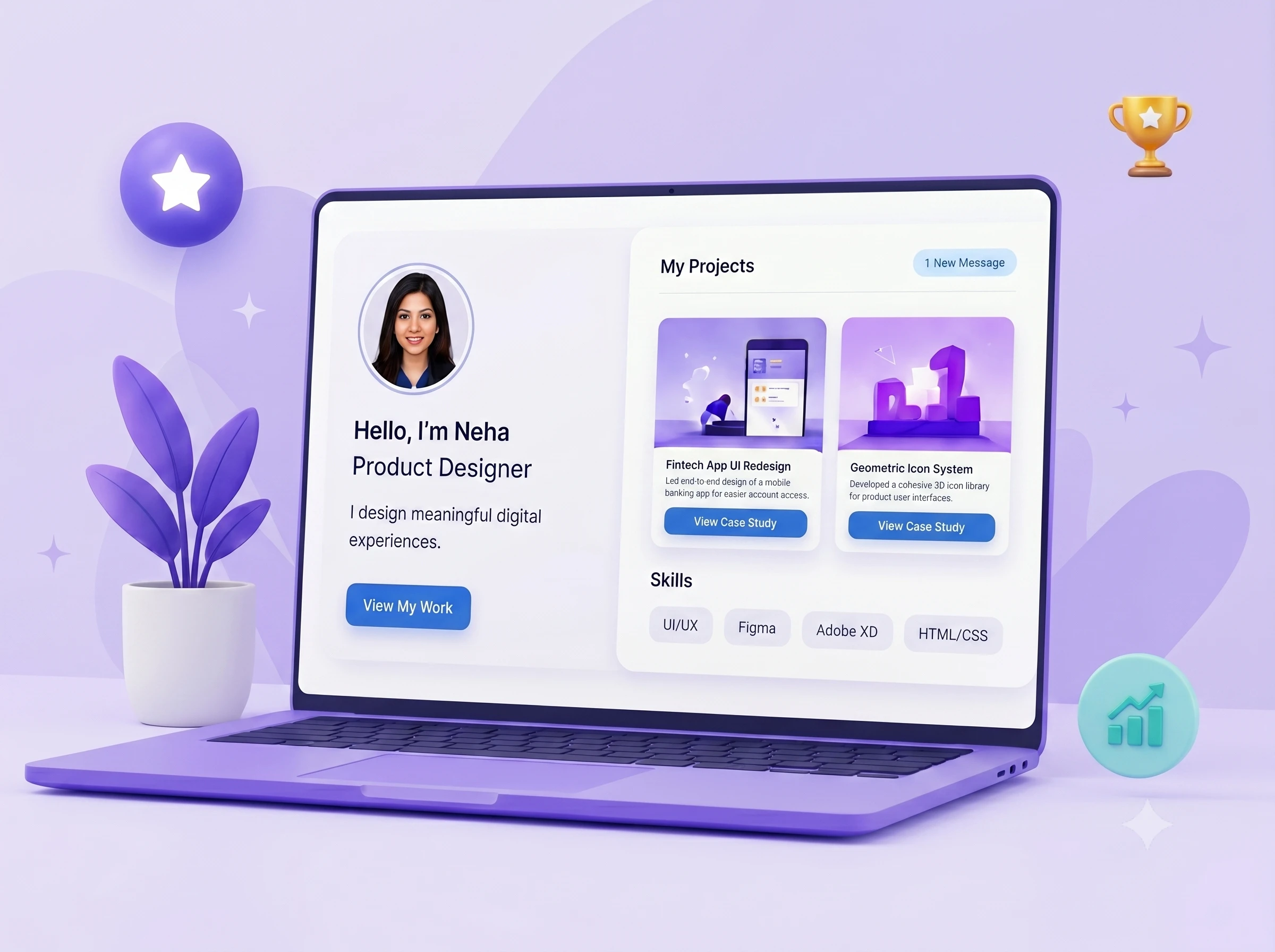
Hero / About Section
Your name, role, a professional photo, and a one-liner that captures who you are.
Skills Showcase
Use visual skill bars or tag clouds. Group skills by category: Frontend, Backend, Tools, Soft Skills.
Projects Section
Each project should include:
- Title & description
- Tech stack used
- Live link + GitHub repo
- Key challenges and solutions
Certifications
Verified certificates from SkillStory, Coursera, or other platforms add instant credibility.
Resume
Embed or link a downloadable PDF version.
Step 3: Write Compelling Content
Most portfolios fail not because of design — but because of weak content. Follow these rules:
- Use active voice: “Built a React app” not “A React app was built”
- Quantify results: “Reduced load time by 40%” beats “Improved performance”
- Keep descriptions concise — recruiters skim
Step 4: Design for Readability
You don’t need to be a designer. Just follow these principles:
| Principle | Why It Matters |
|---|---|
| White space | Prevents visual clutter |
| Consistent fonts | Looks professional |
| Color hierarchy | Guides the eye |
| Mobile-first | 60%+ of views are mobile |
Step 5: Publish and Share
Once live, share it everywhere:
- Add the link to your LinkedIn headline
- Include it in your email signature
- Pin it on your GitHub profile
- Share on Twitter/X when you add new projects
Common Mistakes to Avoid
- Including every project (quality over quantity)
- Using placeholder content like “Lorem ipsum”
- Forgetting to update it after new achievements
- No clear call-to-action (contact info or hire me button)
Conclusion
Building a standout e-portfolio is a continuous process. Start with the basics, ship it, then improve over time. The best portfolio is one that’s actually live and being shared — not a perfect one sitting in drafts.
Ready to build yours? SkillStory gives you everything you need in one place.